
A warehouse manager needs to check whether a shipment left the loading dock. The camera recorded the collection, but retrieving the footage means logging into an ageing recorder and searching several feeds by hand. The cameras still do their job. It’s the recording and management system that slows the investigation down.
A 2026 vendor survey of 241 security, IT, operations and facilities leaders found that 51% believed they could keep every camera they owned if they switched platforms. For any individual business, that depends on the camera models, the video formats they support and which features the new platform can deliver on those cameras.
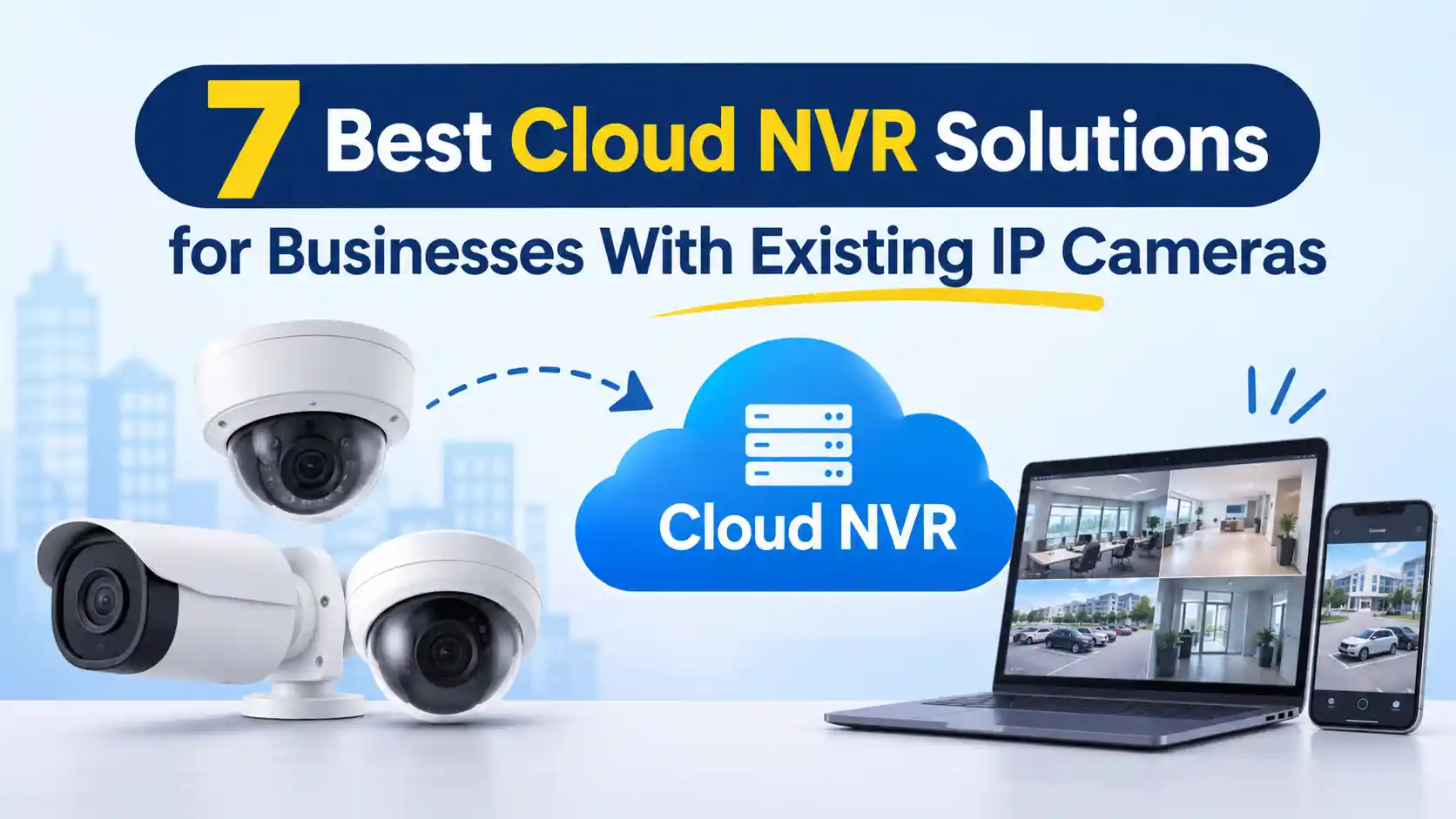
A cloud NVR, or cloud-managed network video recorder, gives teams remote access to footage from IP cameras. Depending on the system, footage may be recorded on-site, uploaded to cloud storage, or retained in both places. That choice affects bandwidth, storage costs and what you can retrieve when the internet goes down.
The seven options below are ranked for businesses upgrading an existing camera system. The comparison prioritises camera reuse, recording and storage options, and how easily staff can find footage when they need it.
Cloud NVR solutions at a glance
|
Rank |
Solution |
Best for |
What to check first |
|
1 |
Coram AI Cloud NVR |
Adding AI search to existing IP cameras |
Camera compatibility and included retention |
|
2 |
Eagle Eye Networks |
Choosing between local and cloud recording |
Bridge versus CMVR and the storage plan |
|
3 |
OpenEye Web Services |
Connecting cameras from several manufacturers |
Supported codecs and stream settings |
|
4 |
Arcules |
Managing sites with different camera hardware |
Gateway requirements and direct-to-cloud eligibility |
|
5 |
Avigilon Alta Video |
Moving third-party cameras into Alta in phases |
Connector capacity and analytics support |
|
6 |
Solink |
Reviewing retail or restaurant video alongside transactions |
Camera and point-of-sale compatibility |
|
7 |
Verkada Command Connector |
Bringing existing cameras into Verkada Command |
Features available on third-party cameras |
1. Coram AI Cloud NVR for adding AI search to existing cameras
Coram takes the top spot for businesses that want to modernise an existing IP camera setup and make footage easier to search. Staff can review video through a browser or mobile device and search across multiple cameras in plain language. If a carrier disputes a collection, for example, a warehouse manager can look for a vehicle at the loading dock, check the relevant feeds and share a clip with the logistics team.
The Coram AI Cloud NVR product page cites SnoTemp as an example of camera reuse. The company’s IT specialist reported that SnoTemp was able to use its existing cameras with the platform. For businesses with working cameras already installed across several sites, that makes compatibility worth testing before budgeting for replacements.
Key capabilities
- Natural-language search across recorded video from multiple cameras
- People and vehicle analytics, including tracking people across cameras
- Licence plate reading and firearm detection alerts
- Video clip sharing by SMS and email
- Role-based access and audit logs
- Browser and mobile access for remote video review
What to verify before buying: Test your oldest camera and a camera overlooking a busy entrance or dock. Ask the provider to show how well video search works on both and confirm the recording retention included in your quote.
2. Eagle Eye Networks for flexible local and cloud recording
Eagle Eye Networks offers two ways to connect compatible cameras. Its Bridge sends video to the cloud and temporarily buffers footage during a network disruption. Its Cloud Managed Video Recorder, or CMVR, can be configured for local storage, cloud storage or both. A company with fast internet at headquarters and limited upload bandwidth at its branches can choose a deployment that fits each site.
What to verify before buying: Ask the installer to specify the device, storage plan and expected upload requirements for each location. Confirm how long footage will remain available locally if the internet connection drops.
3. OpenEye Web Services for mixed camera brands
OpenEye Web Services supports ONVIF Profile S and can record H.264 and H.264+ streams from compatible third-party cameras. OpenEye also documents an RTSP option for cameras that support H.264. That gives an installer another way to connect some older cameras when a business has accumulated equipment from several manufacturers.
What to verify before buying: Test each camera type at your required resolution and frame rate. Check playback and any additional features your team relies on, such as audio or motion events.
4. Arcules for sites with different camera hardware
Arcules connects compatible ONVIF Profile S cameras through a gateway. It also offers a direct-to-cloud option for supported models. In that setup, the camera records at the edge and sends footage to the cloud without a separate on-site gateway or NVR. A business can assess whether newer cameras at one branch qualify for direct connection while using a gateway at locations with older hardware.
What to verify before buying: Give the provider a camera list for each location and ask which models qualify for each deployment. If the old recorder will remain in service during the transition, ask the installer to test how the cameras behave with both systems connected.
5. Avigilon Alta Video for a phased migration
The Avigilon Alta Cloud Connector brings compatible third-party cameras into Alta Video. It suits operators that want to move sites onto Alta in stages while keeping cameras that are still working. If AI analytics are part of the reason for upgrading, have the provider demonstrate the specific alerts or searches you need using one of your existing feeds.
What to verify before buying: Ask how many cameras the proposed connector can handle at your target resolution. Request a list of the features supported on each camera model you plan to keep.
6. Solink for retail and restaurant investigations
Solink links video from compatible cameras to point-of-sale data. If a manager is reviewing a disputed refund or an unusual void, they can use the transaction record to find the corresponding video. That makes Solink a strong fit when the main purpose of reviewing footage is to answer a question about what happened at the till.
What to verify before buying: Test the integration with your exact POS system and the transaction types your managers handle most often. If your branches use different tills or camera models, include at least one of each in the pilot.
7. Verkada Command Connector for bringing existing cameras into Command
Verkada Command Connector adds compatible ONVIF Profile S cameras to the Verkada Command platform. Verkada documents support for live viewing, video retention and basic people and vehicle search on connected third-party cameras. It is a practical option for businesses already using Command at some sites and planning to bring other locations into the same interface.
What to verify before buying: Ask for a side-by-side demo using a third-party camera and a native camera. Check whether the features you need are available on the cameras you intend to retain.
How to choose a cloud NVR for your existing IP cameras
Check compatibility at the model level
Record each camera’s make, model, firmware and stream settings. Ask suppliers to confirm which cameras support live viewing, continuous recording, playback and the analytics you need. A camera that can stream video may still have limits on features such as audio or motion events.
Compare retention and cost on the same terms
Give every supplier the same camera count, resolution and retention requirement. Ask where continuous footage is stored, what gets uploaded and whether exported clips have separate storage terms. Compare hardware, installation, licences, storage and support over the same period.
Run a pilot on an actual business site
Choose a site with an older camera, a busy entrance and a recording you already know how to find. Ask the people who will use the system to locate the incident and export a clip. During a planned connectivity test, confirm whether recording continues and how staff can retrieve footage once the connection returns. These tests reveal more about day-to-day use than a demo on a provider’s own cameras.
Frequently asked questions
Can I switch to a cloud NVR without replacing my IP cameras?
Yes, if the new platform supports your camera models and their video streams. Ask the supplier to confirm compatibility by model and test the features you need on representative cameras before rolling out the system.
Does a cloud NVR record when the internet goes down?
It depends on the design. A system with local recording or buffering may continue capturing video while cloud access is interrupted. Ask how long the proposed setup can retain footage during an outage and how it makes that footage available afterwards.
Can I add AI video search to older cameras?
Some platforms analyse video from compatible third-party cameras. Test the specific search or alert on footage from your own site. An entrance with changing light or a busy loading dock will tell you more about search quality than a controlled demo.
Conclusion
Start with the cameras you want to keep and the incidents your team investigates most often. If a platform records reliably on your network, gives staff a quick way to retrieve footage and meets your retention needs at a predictable cost, you have a sound basis for upgrading the rest of your sites.
